Running payroll for a franchise group is a fundamentally different problem than running payroll for a single-entity business — and most HR technology articles treat them as if they’re the same.
If you operate multiple franchise locations and use Workday HCM at the enterprise level with Paycor processing your payroll, you’re managing a structural tension that no generic integration guide addresses: your workforce is distributed across locations that each have their own managers, their own labor law exposure, and their own time-tracking realities — but your payroll compliance obligation runs all the way up to the franchisor level.
Get it wrong at any location, and you’re not just dealing with a payroll error. You’re dealing with a wage and hour claim, a labor board inquiry, or a franchise audit that touches every unit you operate.
The Franchise Payroll Problem in Plain Terms
Most multi-unit operators running Workday and Paycor hit the same wall: the locations where work actually happens are the weakest point in the entire data chain.
Here’s what that looks like in practice:
A quick-service restaurant group operates 22 locations across three states. The corporate HR team uses Workday to manage employee records, benefits, and compliance. Paycor handles payroll. But at the location level, shift managers are tracking hours on paper logs, a wall-mounted legacy clock, or a mix of both — and submitting time summaries to the regional HR coordinator every two weeks.
By the time those summaries reach Workday and route to Paycor:
- Minor overtime violations have already happened. If a crew member worked 41 hours and the system only received a “regular hours” entry, Paycor processes straight-time pay. The FLSA violation is invisible until an audit.
- Multi-state pay rules haven’t been applied. A location in California has different meal break requirements than one in Texas. Without point-of-capture enforcement, break deductions get applied uniformly — which is wrong and legally risky in states with mandatory break laws.
- Cross-location scheduling creates payroll gaps. When an employee covers a shift at a different location than their home unit, that time often falls through the cracks entirely — not because Paycor can’t process it, but because it never entered Workday with the right location code.
- Tip credits, service charges, and premium pay specific to certain locations require clean data at punch time. Reconstructing them from manager notes at payroll close is error-prone and time-consuming.
Why a Standardized Time Clock Layer Solves What the Integration Alone Cannot
The Workday-to-Paycor integration is only as accurate as the time data that enters Workday. For a franchise group with 10, 20, or 50 locations, standardizing that upstream capture is the highest-leverage thing you can do for payroll accuracy and compliance.
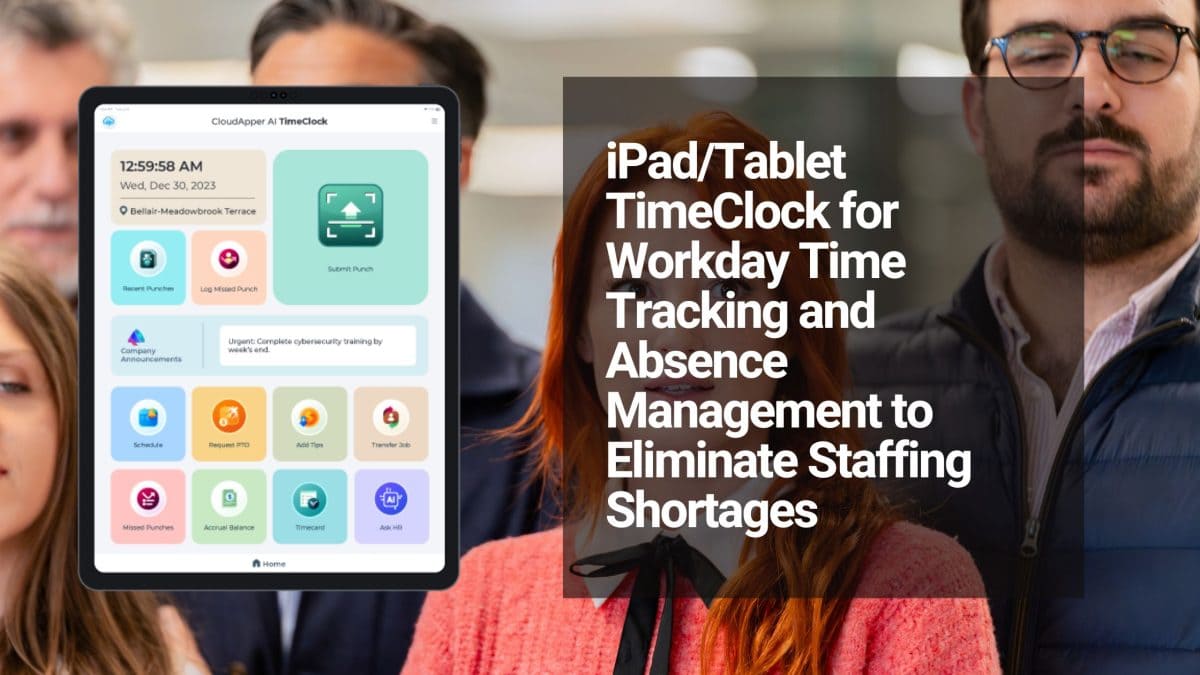
CloudApper AI TimeClock deploys on any existing iPad or Android tablet at each location — no proprietary hardware purchase, no IT infrastructure project, no location-by-location setup headache. The same clock-in experience runs at every unit, feeding data consistently into Workday regardless of what each location manager does or doesn’t do manually.
What this standardization delivers for franchise operators:
Location-level geofencing enforces on-site clock-ins. Employees can only punch in when physically present at the location — preventing remote or fraudulent punches that inflate labor costs across your units.
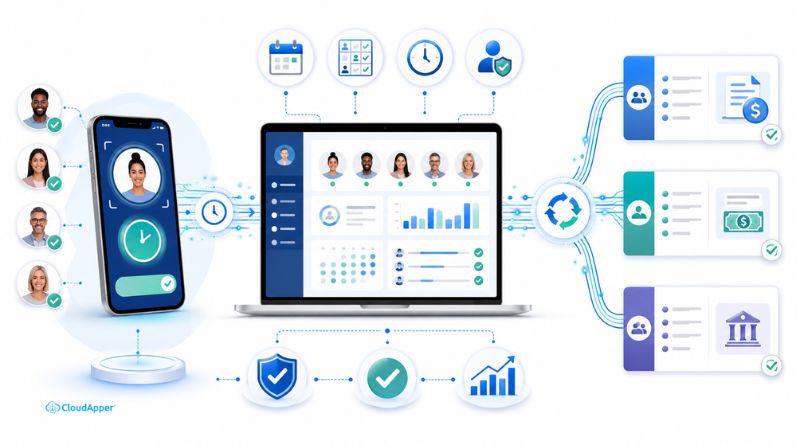
State-specific pay rules applied at capture, not at correction. The CloudApper iPaaS integration layer applies location-specific rulesets — California meal break penalties, Texas overtime thresholds, tip credit calculations — before hours reach Workday. Paycor receives jurisdiction-correct, pre-classified data, not raw punches your payroll team has to manually adjust.
Cross-location punches tracked and coded automatically. When an employee covers a shift at a different unit, they clock in at that location’s tablet. The system captures the location code, associates it with the correct cost center in Workday, and routes it to Paycor with the right pay group. No manual reconciliation, no hours falling through the gap.
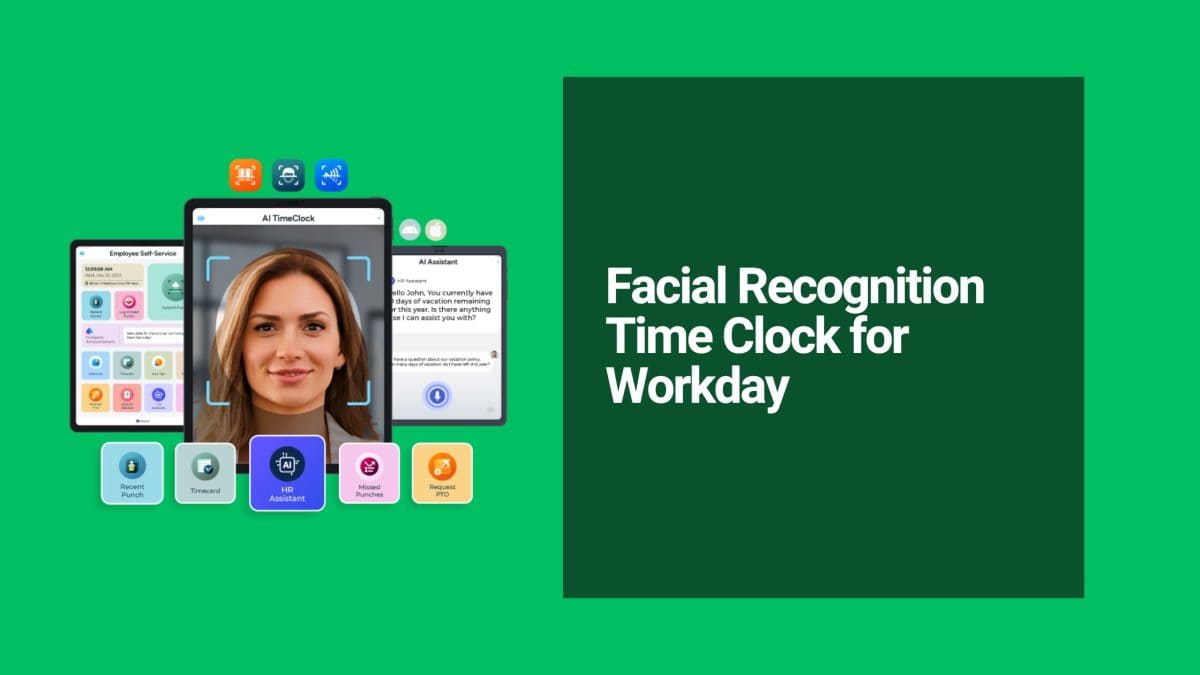
Facial recognition eliminates buddy punching at high-turnover locations. Franchise environments — particularly QSR, retail, and personal services — have high staff turnover and frequent shared-device use. Biometric verification ensures the person clocking in is the person being paid, protecting both your labor cost accuracy and your compliance record.
For the full technical breakdown of how Workday syncs with Paycor, see the complete integration guide: Integrating Workday HCM with Paycor for Payroll Processing.
The Franchise Compliance Angle That Makes This Urgent
Multi-unit operators face a compliance exposure that single-location businesses don’t: wage and hour liability aggregates across locations.
A single missed meal break penalty in California is a manageable issue. If the same systemic error occurs at eight California locations because all eight use the same broken manual process, you’re looking at a class-action exposure. Courts and labor regulators don’t distinguish between “we made a mistake at one location” and “we operated a consistent policy that denied employees their rights.”
An AI time clock that enforces break rules, captures the verification, and syncs it to Workday creates the kind of systematic, audit-ready record that demonstrates good-faith compliance at every unit — not just the ones that happened to have diligent managers that pay period.
Rolling This Out Across Your Locations
Phase 1 — Start with your highest-risk state. If you operate in California, New York, or any state with complex break and overtime rules, deploy there first. The compliance ROI is immediate and measurable.
Phase 2 — Configure location-level rulesets before go-live. Work with the CloudApper team to map each location’s state requirements, tip credit rules, and pay differentials into the system. Every location gets the same standardized clock-in interface with location-appropriate logic underneath.
Phase 3 — Connect Workday and Paycor through the integration layer. Once rulesets are configured and data is flowing, CloudApper’s enterprise iPaaS platform handles the transformation and sync to Paycor automatically each cycle. Your payroll team stops auditing location timesheets and starts closing payroll on time.
Phase 4 — Scale to all units. Because the deployment runs on existing tablets with no per-location IT work required, rolling out to additional units is a configuration exercise, not an implementation project.
The franchise operators who manage labor costs and compliance most effectively aren’t the ones with the best manual review processes. They’re the ones who removed manual review from the equation entirely — by capturing clean, rule-compliant data at the moment of every clock-in.
→ See how CloudApper AI TimeClock works for multi-location operators, explore the CloudApper platform, or learn how enterprise system integration connects Workday and Paycor across your entire franchise footprint.